

Reference

Open the Live Dragon Tiger table

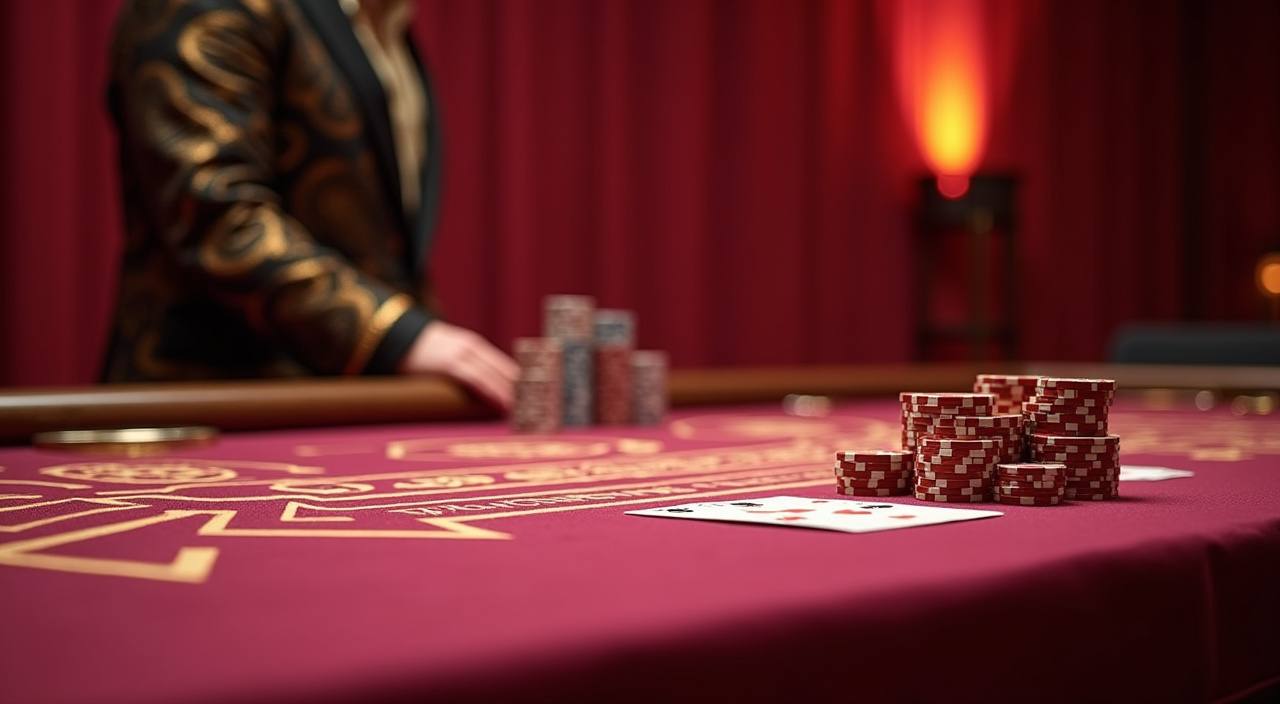
Our Live Dragon Tiger room keeps Dragon, Tiger and Tie on one screen, with the live shoe and settlement strip beside the dealer feed.

DragonTigerTieLive shoe
unicon365 Open the Live Dragon Tiger table
unicon365 Open the room with clear round flow

Open the room with clear round flow

On unicon365, the Live Dragon Tiger lobby is built around the way the game moves: the dealer opens the shoe, the timer counts down, and the next result lands on Dragon, Tiger or Tie. We keep single-table and faster-paced rooms separate so you can pick the rhythm that suits you. The table card shows the stake range, round history and room label

before you enter, and access stays available where local law permits.
ROOM SPOTLIGHT

Browse three Dragon Tiger angles

These three cards focus on the parts of Live Dragon Tiger that matter once the table opens: the live feed, the result strip and the way the betting…

unicon365 mobile gaming
Front-row table
Round trail
Thumb-sized betting row
MOBILE TABLE FIT

Switch to Live Dragon Tiger on mobile

The Live Dragon Tiger room on mobile keeps the most used controls close to your thumb.

Portrait view
Thumb taps
Pinned history
Quick rotate
unicon365 mobile gaming
Google Play App Store
HELP ON TABLE

Open support when the table stalls

When Live Dragon Tiger needs a hand, we keep help close to the room so you do not have to leave the page mid-session.

Round timing help If the countdown looks unusual, we can help you read the live timer, the last settled hand and the current shoe position so you know whether the room is waiting for the next cycle.
Table entry check If the room does not open cleanly, we check whether the stream, the table card or the device session needs a refresh before you enter the next Dragon Tiger round.
Result reading help If the last hand or the tie result is unclear, we explain how the score strip is ordered so you can follow the next round with less guesswork.
FAIR TABLES

Open the checks behind each round

We show the table facts that matter before you sit down: room label, live dealer feed, stake range, and the latest hand history.

Rule card

Each room shows the bet layout before you enter, so Dragon, Tiger and Tie are not hidden behind extra menus. You can read the round rules first and move in with the same screen still in front of you.

Live feed match

We keep the dealer feed, table label and result strip aligned to the same room, so the round you see is the room you joined. That reduces confusion when you switch between tables with different pacing.

Round history

The last hands stay visible in a plain trail, which lets you check how the shoe has moved. It is easy to spot a Dragon streak, a Tiger run or a Tie landing without leaving the screen.

Pace labels

Rooms are marked by speed and stake band, so you can pick a slower table or a faster one before the next shoe starts. We keep those labels simple and stable while the room is live.

Room pairing

The result board and the live dealer feed sit together in the same view, making it easier to match the hand you just watched with the hand that settled. That is useful when the timer moves quickly.

Local-law access

If access is restricted in your area, the room stays closed until it is available where local law permits. We keep that rule visible so the table stays consistent with the region you are in.

Browse how our table reads differently

Compared with rooms that crowd the screen, ours keeps Dragon, Tiger and Tie in a fixed row beside the live feed.

One-row bets
Some tables split the choices across two panels; we keep Dragon, Tiger and Tie together so you can see every option before the timer closes. The choice is visible from the first glance.
Clean history
Other rooms bury the last hand; ours keeps the recent results in a strip beside the live feed, which makes the shoe easier to follow and the next round easier to read.
Clear pace tags
Instead of vague room labels, we mark the table pace in plain words, so you know whether the room is faster or calmer before you enter. That helps when you want a short session.
Mobile spacing
On small screens, the betting row stays roomy enough for a quick tap. You do not need to zoom in to find Dragon, Tiger or Tie, even when the dealer is moving briskly.
Same-room feed
The dealer view and the bet row stay tied to the same table, which cuts down on the kind of mismatch that can happen when a room loads out of sync. The screen stays easier to trust.
Simple room switch
If you move from one Dragon Tiger table to another, the labels stay in the same place, so the change in pace is the main difference you notice. That keeps the switch quick and readable.
Support handoff
When a table behaves oddly, our support team can read the same room state you see and help you check the timer, result strip or entry status without making you start over.
KEY TABLE MARKERS

Browse the Live Dragon Tiger markers

The room works because the important parts stay on screen together: the live dealer, the betting row, the round timer, the history strip and the room label.

Dragon The Dragon bet stays visible beside the other choices, with…
Tiger Tiger sits in the same row, so the room never…
Tie The Tie line is shown clearly, which matters when the…
Live timer The countdown ring gives you a clean read on when…
Result strip The recent hand trail stays near the dealer feed, so…
Table card Before entry, the room card shows the pace, stake band…

Open common Live Dragon Tiger questions

These answers focus on how Live Dragon Tiger works inside the room: the Dragon, Tiger and Tie bets, what the timer means, and how the result strip is arranged. If your account can open the table where local law permits, the same screen stays consistent on desktop and mobile, so you do not have to relearn the layout each time you return.

You choose the side you expect to land on. Dragon and Tiger are the two main outcomes, while Tie settles when both sides match. The room shows all three options before the timer closes.

The timer shows how long remains before the hand settles. When it reaches zero, the room closes the current round and shows the result strip, so you can read the next shoe position.

Yes. The mobile room keeps the bet row below the live feed, so you can tap from one screen. Portrait mode and the pinned history make the table easy to read on smaller phones.

The result strip lists the latest settled hands in order. That helps you see whether Dragon, Tiger or Tie has been landing more often in the current shoe, without leaving the table.

A refresh usually fixes a delayed feed, but if the table still stalls, our support team can check the room state, your session and the current entry status before you try again.

Access depends on local law and is available where local law permits. If the room is open for your region, you can enter the Live Dragon Tiger table with the same layout on desktop or mobile.